
IPTV in France: a practical 2026 buying guide
Practical iptv in france: a buyers guide guide: device tips, picture quality, compatibility, support and questions to ask before choosing a France IPTV plan.
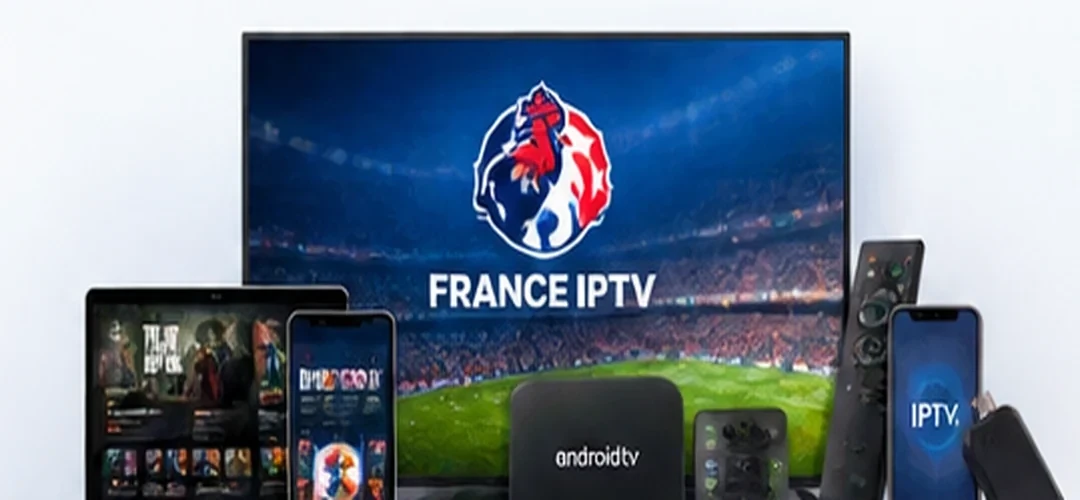
France IPTV offers subscriptions starting at €12 and guidance on compatible devices. Before ordering, ask support about 24-hour trial availability and terms, confirm the programmes you need and check your player. This guide helps you make a practical choice without claiming that every title, event or playback condition is guaranteed.
Start with your viewing habits
IPTV in France can mean live television, on-demand programmes, guide data or playback on several devices. Begin with your actual viewing habits rather than a headline channel count. A household following live sports may care about event availability and changing channels quickly, while a film viewer may value subtitles and an organised library. The clearest comparison starts with what you need to watch and where you plan to watch it.
Check the device before you buy
Write down your television model and operating system, whether you use an Android TV device, Fire TV, phone or computer, and whether a wired internet connection is available. An IPTV player is not automatically compatible with every smart television. Confirm app availability and any separate player activation fees. These questions matter before selecting the longest subscription.
Understand HD, Full HD and 4K claims
Resolution names describe possible media formats. They do not mean every programme will play at the maximum resolution throughout the day. Judge picture quality by visible detail, start time, sound synchronisation and uninterrupted playback on your own display. A reliable Full HD stream can be more satisfying than unstable higher-resolution playback. Availability depends on the content source, device and network.
Practical tip
Record the conditions you can verify yourself rather than comparing marketing claims alone. A small checklist makes the decision clearer.
Test your home network realistically
Headline download speed cannot explain every playback issue. Weak Wi-Fi, competing downloads, router congestion and app configuration all affect the viewing experience. A wired connection is worth testing when the screen is close enough to the router. Otherwise, check Wi-Fi signal quality and test during your normal evening viewing hours. The origin stream may also determine how well a programme works.
Compare complete prices and devices
France IPTV lists one-device plans at €12 for one month, €25 for three months, €37 for six months and €55 for twelve months. Two-device plans are €40 for three months, €60 for six months and €99 for twelve months. Check the number of permitted devices and the complete period rather than comparing monthly averages alone. A separate third-party player licence may not be included.
Use a 24-hour trial carefully
Trial access may be offered on request, subject to availability and the terms shared by support. Prepare the device first so the trial period can be used for actual testing. Check the channels you care about, relevant language options, guide navigation and on-demand playback. Try the service on your everyday connection. Write down any technical issues so support can help you diagnose them.
Sports listings and territorial rights
Names such as Premier League, Ligue 1, Champions League, NBA, NFL and UFC describe competitions; displaying them does not prove any particular broadcast rights. Ask which event and feed are available in your location, and check before subscribing. Programme libraries and rights can change between territories. Do not assume that every event or a complete licensed catalogue is included simply because a sport is mentioned.
Practical tip
Confirm that the feature works on your device and connection. A specification has little value if it is not available in your setup.
What “best IPTV” should mean
Searches for best IPTV often lead to absolute performance promises. A more useful approach compares transparent prices, compatible apps, responsiveness of support, trial conditions, cancellation terms and the quality you observe yourself. No internet-based service can honestly guarantee zero buffering in every situation. Test the experience and look for clear explanations instead of relying only on superlatives.
Apps are different from subscriptions
A Smart IPTV app or another IPTV application is generally a player. Installing one does not provide programmes or a subscription by itself. Make sure your media source is authorised and that the application works on your device. Our separate installation guide explains what to check when selecting and configuring a compatible player.
First checks when playback fails
Restart the player and confirm that other internet services work. Test another programme to see whether the problem is limited to one source. Review updates, device storage and app settings before assuming the subscription is at fault. When contacting support, share the device model, application name, time of the error and an accurate description of what happened.
Key takeaway
Give support useful details: device model, installed player, network type, exact error and when the issue occurred.
Support and refund terms
Support can help explain compatibility and the basic setup process. When a problem is attributable to the service and the team cannot resolve it after assistance, the customer is entitled to a refund for the affected subscription, subject to the applicable policy and mandatory consumer rights. Read the refunds page for the request process.
A useful final checklist
Before ordering, confirm compatible devices, must-have programmes, trial conditions, programme quality, number of devices, length of contract and how support can be contacted. Ask about any uncertainty in writing. The best choice is the one that works with your equipment and delivers the features you actually use.
Frequently asked questions
Can buffering always be eliminated?
No. The device, source and network also affect playback. Testing your actual setup is more useful than an absolute promise.
Is a 24-hour trial automatic?
No. Ask support to confirm the availability and terms before starting a trial.
Are third-party apps included in the price?
Not necessarily. Some players charge their own licence or activation fee.
What if the service does not work?
Contact support. If a service-related issue remains unresolved after assistance, a refund for the affected subscription is due under applicable terms and mandatory rights.
Further information
For more details, review our device compatibility information and refund terms before ordering.
Before you order
Compare prices, confirm programme availability and verify your equipment.
Final tip
Keep the answers from support for future reference.
Related resources
Compatible devices · Plans and prices · Refund policy · IPTV applications · IPTV France guide · Premium IPTV quality