
IPTV app: choosing and setting up a player
Practical iptv app: setup and players guide: device tips, picture quality, compatibility, support and questions to ask before choosing a France IPTV plan.
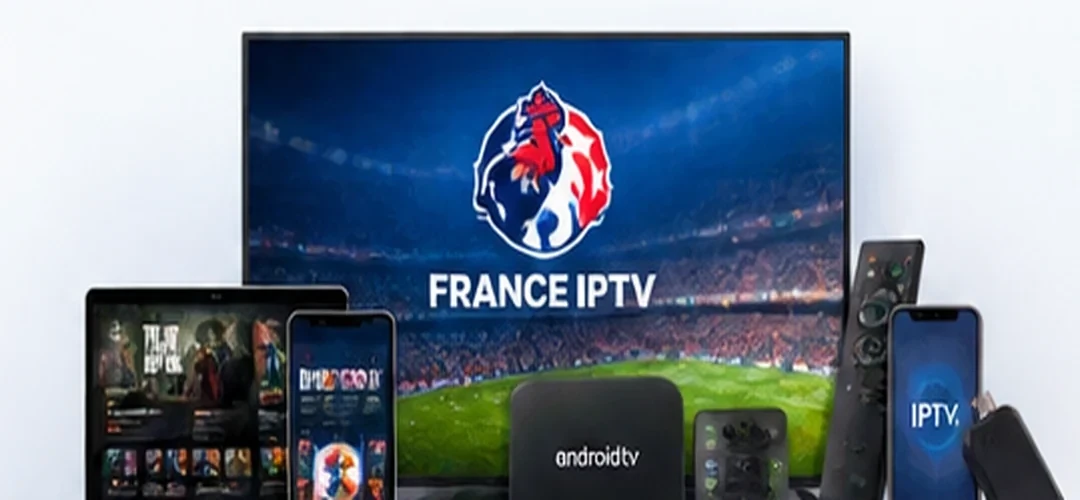
France IPTV offers subscriptions starting at €12 and guidance on compatible devices. Before ordering, ask support about 24-hour trial availability and terms, confirm the programmes you need and check your player. This guide helps you make a practical choice without claiming that every title, event or playback condition is guaranteed.
The player is not the subscription
An IPTV app is a playback interface. Depending on its features, it can organise channels, show guide information and browse on-demand media. Installing the app does not create a subscription or grant content rights. Your media source is separate and needs to be authorised. Understanding this distinction prevents misunderstandings about fees, compatibility and advertised libraries.
Get your device details first
Before installing an app, record the device model, operating system, software version and available storage. Make sure its official app store is accessible. Ask your provider which players can work with your device. Some players charge a separate licence or activation fee that is not part of a France IPTV subscription.
Installing on a smart television
Open the official app store on your television and search for a supported IPTV player. Check the developer, permission requests and availability for your particular TV model. After installation, follow the authorised connection details supplied by your provider. Do not enter subscription credentials on untrusted websites and do not post login screenshots publicly.
Practical tip
Record the conditions you can verify yourself rather than comparing marketing claims alone. A small checklist makes the decision clearer.
Android TV and Google TV
Use the official store when selecting an Android TV or Google TV application. Check updates and permissions before connecting an account. Menus vary between manufacturers and software versions. Close unused apps, keep enough device storage and restart the TV box if an interface becomes unresponsive. These basic steps often help without changing subscription settings.
Fire TV compatibility
Check whether the selected player is distributed through the Fire TV Appstore in your country. Prefer official software channels. Navigation with a remote differs from touch-screen controls, so test the channel list, search and back button before customising favourites. Ask support if the application layout or sign-in method is unclear.
Phones, tablets and computers
Look for a current app compatible with iOS, Android, Windows or macOS as needed. Test subtitles, audio-language selection, fullscreen playback and guide support. Mobile video can consume significant cellular data, so watch your data plan. On desktop, avoid unknown plugins or executables claiming to be mandatory for the service.
What Smart IPTV means
Smart IPTV is associated with a particular type of player on some televisions. It is not another name for an IPTV subscription and does not automatically include programmes. Software availability and licensing may vary by device and territory. Confirm compatibility and any activation requirements before selecting it.
Practical tip
Confirm that the feature works on your device and connection. A specification has little value if it is not available in your setup.
Time zone, EPG and language
Where an electronic programme guide is available, check that the device clock and time zone are correct. Different channels support different audio and subtitle options. If the guide is blank, try the supported refresh function and check whether the programme-data feed is currently available. These features depend on both the player and the content source.
Reducing playback interruptions
Apps cannot eliminate problems caused by weak connections or unavailable sources. A wired network is often worth using for stationary screens. Otherwise, test Wi-Fi signal quality, pause large background downloads and apply stable app updates. If playback stops, compare other programmes and record the error time so support can distinguish source and device problems.
Protect credentials and privacy
Subscription access details should be treated as private. Never share login screenshots on public forums or give credentials to someone whose identity you cannot verify. Read the app privacy disclosures, review permission requests and keep the device operating system updated. Use the official support contact on the France IPTV site if assistance is needed.
Key takeaway
Give support useful details: device model, installed player, network type, exact error and when the issue occurred.
Common problems to check
An app that refuses to open may need storage space or a software update. A missing channel list might indicate incorrect setup details or a connection issue. Freezing on one programme should be compared with another programme, while audio delay may need a supported player setting. Change one thing at a time so you can identify what helped.
Test before choosing a plan
France IPTV offers several durations and one- or two-device options. Ask about the 24-hour trial conditions, prepare your chosen player and test on your normal connection. Support can explain setup requirements and the refund route for unresolved service issues. When comparing apps, prioritise compatibility, navigation, guide features, security and total cost.
Frequently asked questions
Can buffering always be eliminated?
No. The device, source and network also affect playback. Testing your actual setup is more useful than an absolute promise.
Is a 24-hour trial automatic?
No. Ask support to confirm the availability and terms before starting a trial.
Are third-party apps included in the price?
Not necessarily. Some players charge their own licence or activation fee.
What if the service does not work?
Contact support. If a service-related issue remains unresolved after assistance, a refund for the affected subscription is due under applicable terms and mandatory rights.
Further information
For more details, review our device compatibility information and refund terms before ordering.
Before you order
Compare prices, confirm programme availability and verify your equipment.
Final tip
Keep the answers from support for future reference.
Related resources
Compatible devices · Plans and prices · Refund policy · IPTV applications · IPTV France guide · Premium IPTV quality